
Ready to Play
This download contains the full v1.2 game plus the required BepInEx plugins preconfigured for multiplayer. Just extract and launch — no manual setup needed.
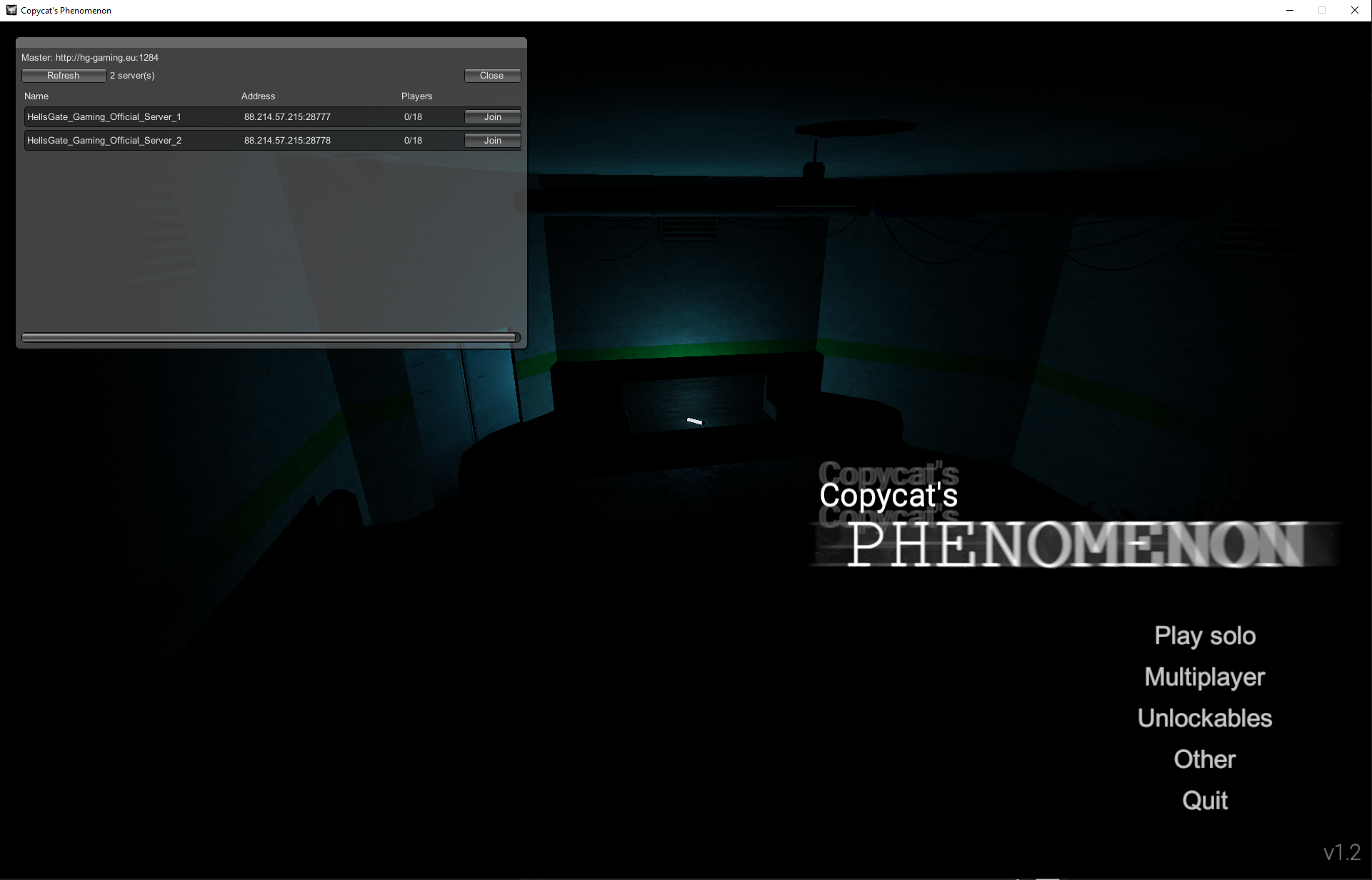
- Press F5 in‑game to open the server browser.
- If join doesn’t happen immediately, wait ~1 minute and try again.
- After a round ends, you can join when the server count shows 0.
Install & Play
- Download the .rar using the button above.
- Extract the archive to a folder of your choice.
- Run the game executable from the extracted folder.
- Press F5 to open the server browser and join a server.
Tip: If a join stalls, wait up to a minute and retry. After a round, join when the server count shows 0.
Version 1.2.3 — Assembly Patch
If you are on game version 1.2.3, you can enable multiplayer by replacing the game assembly with the patched file below.
How to apply
- Locate your game folder.
- Open
Copycat's Phenomenon_Data/Managed. - Backup the original
Assembly-CSharp.dll. - Replace it with the downloaded
Assembly-CSharp.dll. - Start the game and press F5 to open the server browser.
Server visibility vs. joinability: Servers without port forwarding can still appear in the browser, but only servers with proper port forwarding can be joined. Hosting via a VPN can work, but if you have router access, forwarding ports is recommended.
To host: go to Multiplayer → Create a server. Others can join through the server browser. Dedicated servers are not expected any time soon.
Description
Enemies are "killable": when a monster's HP reaches 0, it will "die" and despawn until its next respawn time.
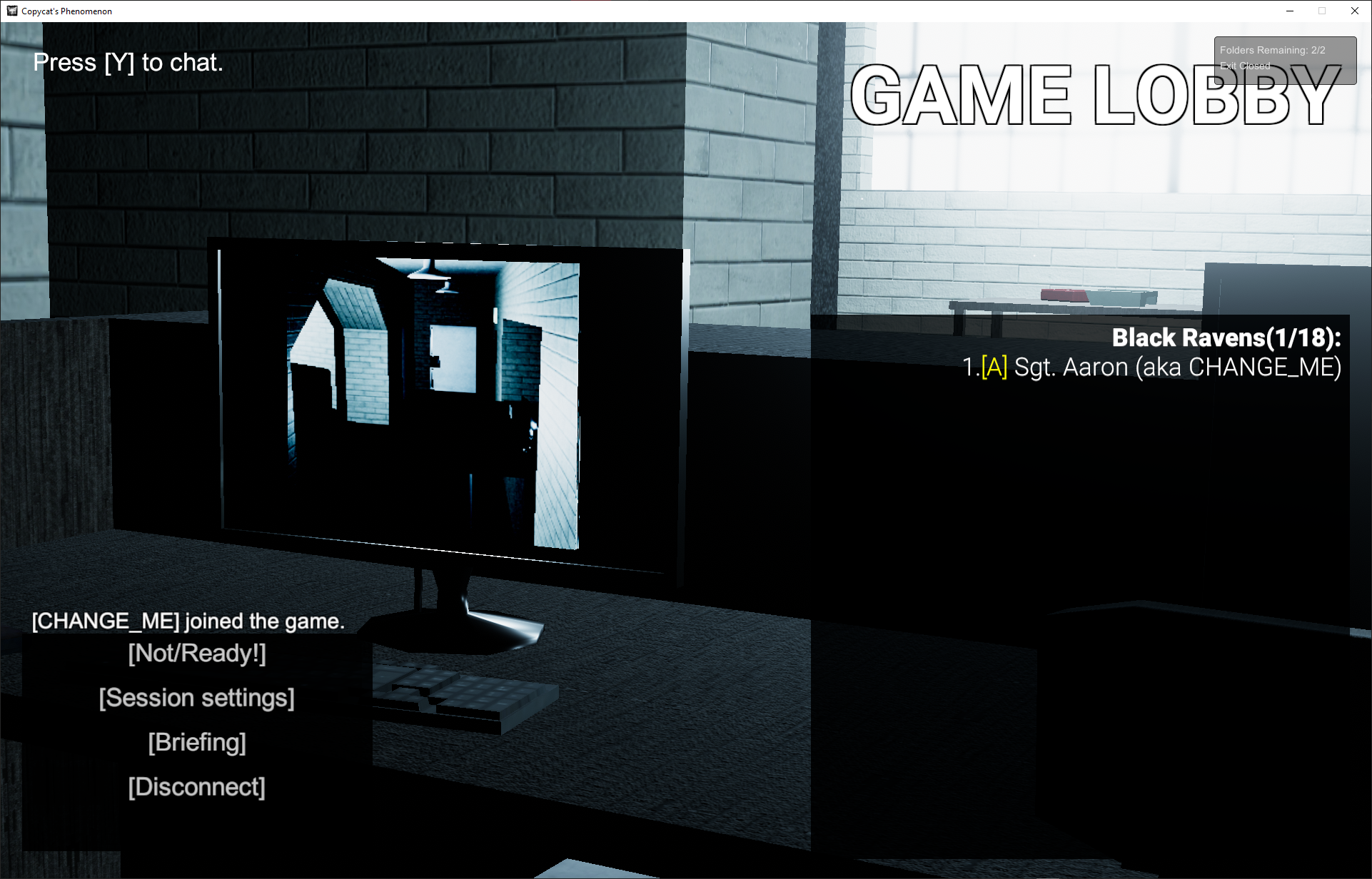
Because the documents and main game script are not fully functional, use the window in the top‑right of the screen to track how many files are left and whether the exit is closed or open (escape possible or not).
Preview

Known Issues
- Enemies can run through doors.
This issue affects the current multiplayer-enabled v1.2 build.
Hosting Notes
The masterserver and official servers are hosted by HellsGate Gaming. Community hosting is supported via the in‑game server creation flow.
- To host, open Multiplayer and click Create a server.
- Servers may appear in the browser even without port forwarding, but only port‑forwarded servers are joinable.
- If your server doesn’t show, try port 28777 and forward it on your router/firewall.
Dedicated servers are not expected any time soon.